
Gæt den øl 🍻
14 plays1 like
Picture quiz maker
Upload your images and write the answers. Each picture starts as blocky pixels and sharpens, and the sooner you guess the more you score.
No sign-up needed to try it. Saving your game is free.
Upload an image for each round and type the answer, plus any other spellings or names you'll accept. A free game holds 3 images; Plus removes the limit.
Put the game on a TV, laptop or projector. Players open pardytime.app on their phones and type the PIN. No app to install and no account for players.
Each round the image starts as a coarse mosaic and gets clearer every few seconds. Players type guesses whenever they think they've got it.
A meter shows what a right answer is worth at each stage, and it drops as the picture sharpens. What you see is exactly what you score.
Guesses are matched forgivingly, and you can list alternative answers, so nobody loses a round to a typo.
The round ends with the full picture, the leaderboard, and the wrong guesses people typed on the way.
In a Trivia or Jeopardy question you can blur or pixelate just a face, a logo or a caption, then reveal the rest.
Host any of them for free, straight from the page.
Faces, film stills, landmarks and album covers all work, because the shape gives it away before the detail does.
How to make a blurred image quizBaby photos and old holiday snaps make the best round of a birthday or a family get-together.
Birthday person questionsDrop a picture round between general knowledge rounds to wake the room up.
Quiz night ideas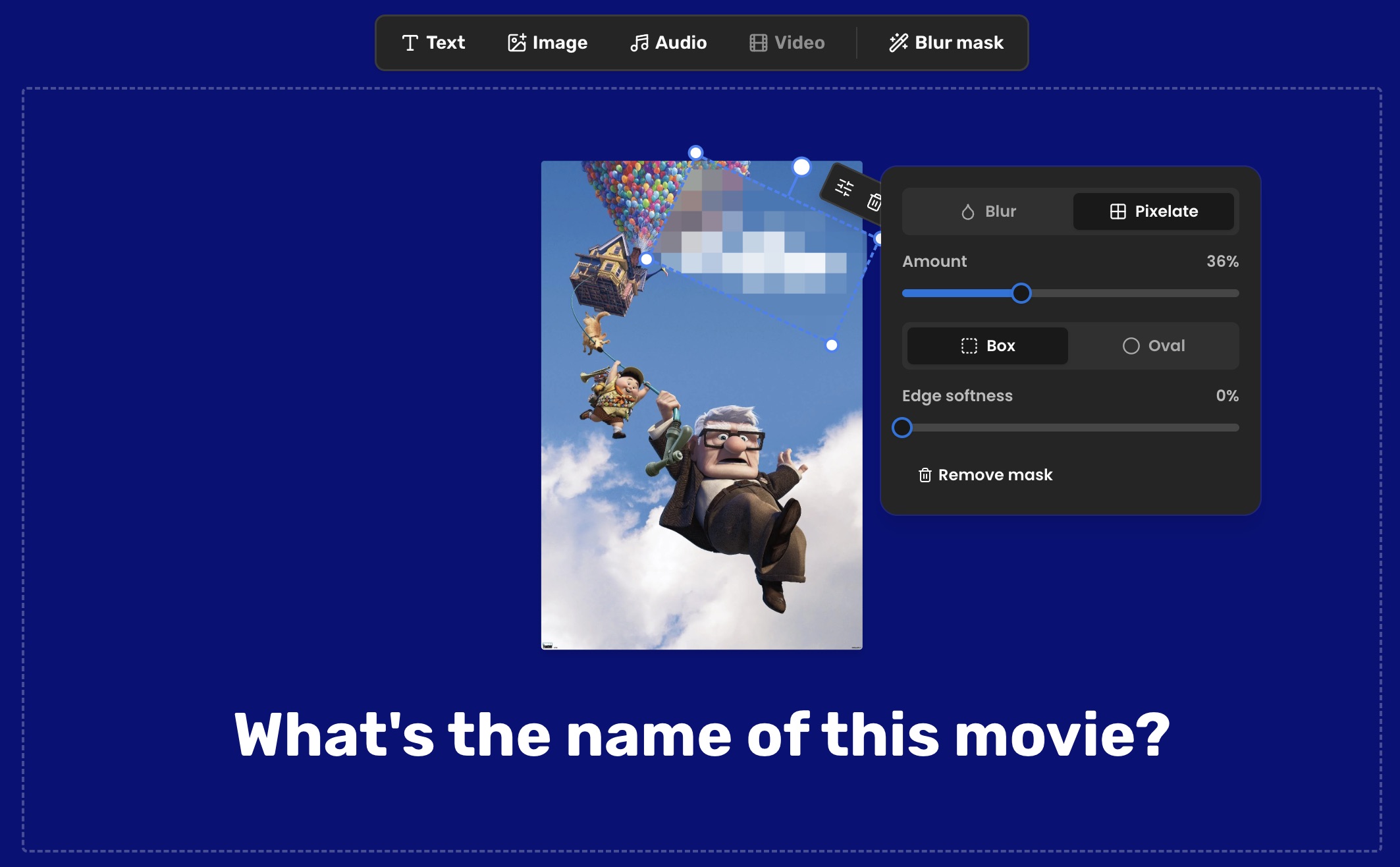
August 16, 2026 · 2 min read
Blur or pixelate any part of a quiz photo in the PardyTime editor: faces, film titles, names in a screenshot. Plus blurred image round ideas to steal.
See what changed
October 2, 2026 · 7 min read
A Christmas song emoji quiz with 24 clues tested cold, in three difficulty tiers, with answers, decoys, a printable version and how to run it on the TV.
Read the guide
August 14, 2026 · 5 min read
Two party games to play on your phone with no prep: a pass-the-phone dare deck and an image that sharpens until someone names it, plus 24 ideas for both.
Read the guideBuild it in a few minutes, put it on the TV, and send the PIN round the room.
Make a picture quiz


